As the new year has begun, its time to review my Personal Knowledge Management System (PKMS) on how I consume information and knowledge, I have blogged about this before and have updated for 2020.
I still split and keep apart my personal and professional lives on Social Media, although occasionally they may cross where appropriate.
Since the last time I wrote about this the amount of information and data that is available has grown and multiplied on a huge scale. Keeping track of what you need to drink from the fast flow of the firehose of information is itself something that needs managing. This is why I have set up my feeds in the manner illustrated below.

Personal Life
Personal Journal
Journalling in both a Personal and Work life is a useful tool to keep notes on your thoughts and ideas. In my personal life I still opt for recording these in a Moleskine – See my blog post No batteries required for further details. I find the Moleskine a great notebook to use and the pocket version a good size to use.
Social Media
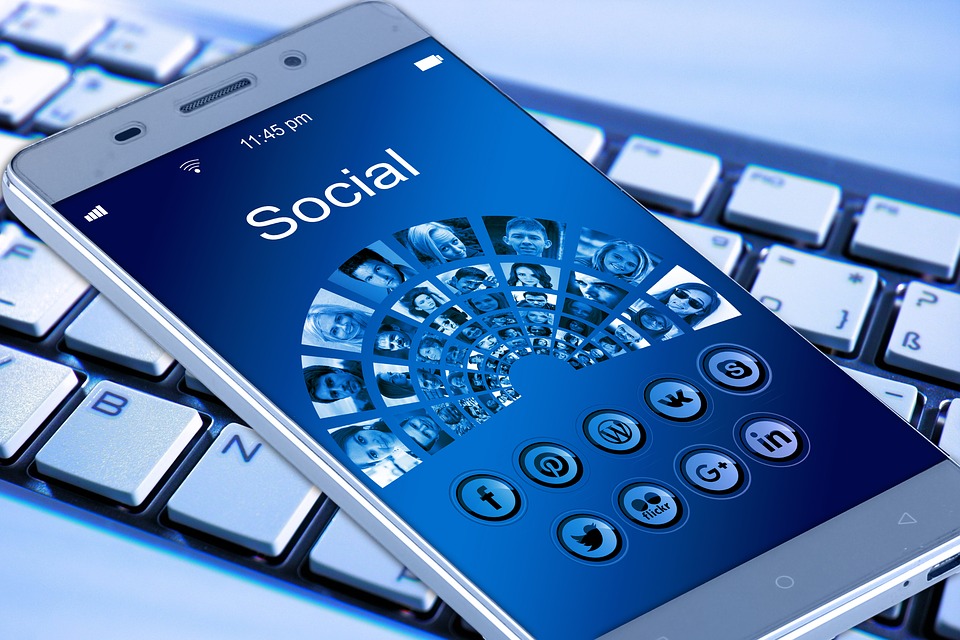
I separate from my work life from my personal life using things like Instagram and Facebook for friends and family with appropriate security settings in place. Even with those settings you still need to consider that once something is online, it could be public in the future. Wikipedia lists 186 Social Media Websites and this list is out of date. I choose a few mainstream that I am comfortable with. 2020 may see me have a look at some of the others to see if there is any benefit or other data I am missing.
Professional Life
Research
This is split into several areas and these are a few of the inputs that I use to grab information, feeds, data from:
- Podcasts
- Audio subscriptions
- Videos
- RSS Feeds
- Web Searches
- Blog Posts
Podcasts cover both Audio and Video casts that I watch/stream online or download to my Media Player (Audio and Videos) to listen to on journeys (Audio). The mobile is a great device for using as a media player across these casts.
Flipboard provides another stream of data that I consume bringing in news feeds from many sources around a series of topics. It does work well on a mobile device allowing you to flip the pages through the articles.
Feedly
Feedly provides an aggregation tool which I use to collect the stories from blogs and web sites I regularly pull information from. This provides a list of stories that can be scanned tin a few minutes on a single screen without going via multiple sites. Clicking on a story will bring up a snippet from the source site and provide the link to read the source article if required. Using a series of key strokes you can read the headlines, then move down the articles at a reasonable speed, stopping and opening when needed.
Sources can be categorised to allow an all view or just whats new in a category.
IFTTT
IFTTT (If This Then That) provides a level of automation to my lists from saving articles to creating alerts on topics and triggering different actions as needed to my devices. I would like to automate more of this PKMS to bring the information I need, but it can also help to scan other information to help innovate and see other points of views.
Thinking / Learning Time
This is where view the data streams through the tools and assimilate and think about what has been reported/said. I also use this time to learn and take courses.
Courses
Coursera is a great site to used, but there are lots of others from Industry and Vendors to open learning sites that I use as needed. Relative exams and certificates are then added to my LinkedIn pages.
Blogging and Being Social
From thoughts and research I will write about things through my blogs and publish these into Social Media streams such as Twitter and Linkedin.
I have also been producing a few podcast episodes with other technologists and will look to do some more in 2020.
I have been using GitHub to mainly support some courses but its there as an option to publish data and code in the future.
Do you have a Personal Knowledge Management System or using tools not mentioned above?
I have decided to be a lemming and follow everyone in the move to equipping my car with Dashcams. Although not a new thing a recent boom in the use of cameras in vehicles has made this now a very common practice to have one. It is easy to fit a Dashcam to any vehicle to record the driving habits of the driver and other road users.
Cardboard has been a part of childhood learning for a very long time, however its use has evolved from building things, making dens or sliding down grassy hills on it. The evolution on how this material is being used in learning is changing at a fast rate.
If you have been following this series of blog posts, you should now have a blog and a set of social channels. That’s a great start, however how do you get noticed? How to you get a readership? How can you increase your Digital Profile? These are questions that I was asked yesterday following my last post. Here are my thoughts on this topic.
Following on my series on Digital Fit in 2018, being social is an important part of building your Digital Profile. There are two main things which spring to mind when you mention the word social. Going out with family and friends, and using tools such as Twitter, Facebook, Instagram, Snapchat etc.
This is the first in a series of posts I will be doing in 2018 about getting Digital Fit. By this I mean achieving the right
Its good to see that 
Following on from my blog post outlining an